now in a new way
An open-source control panel for Minecraft servers. Full control in your hands
curl -fsSL https://raw.githubusercontent.com/Seeroy/kubek-minecraft-dashboard/refs/heads/main/install.sh | bashEverything for server management
Powerful functionality in a minimalist interface. No unnecessary clicks
Blueprints
Declarative server-type blueprints — add any game without touching the code
Extensions
TypeScript plugins: your own UI sections, API routes and server event handlers
Telegram Bot
Full server management and event notifications right in Telegram
Dashboard
Customizable widgets: servers, host resources and load graphs
Server Console
Live logs and command input right from the browser
File Manager
Editor with syntax highlighting, archives and FTP
System Monitoring
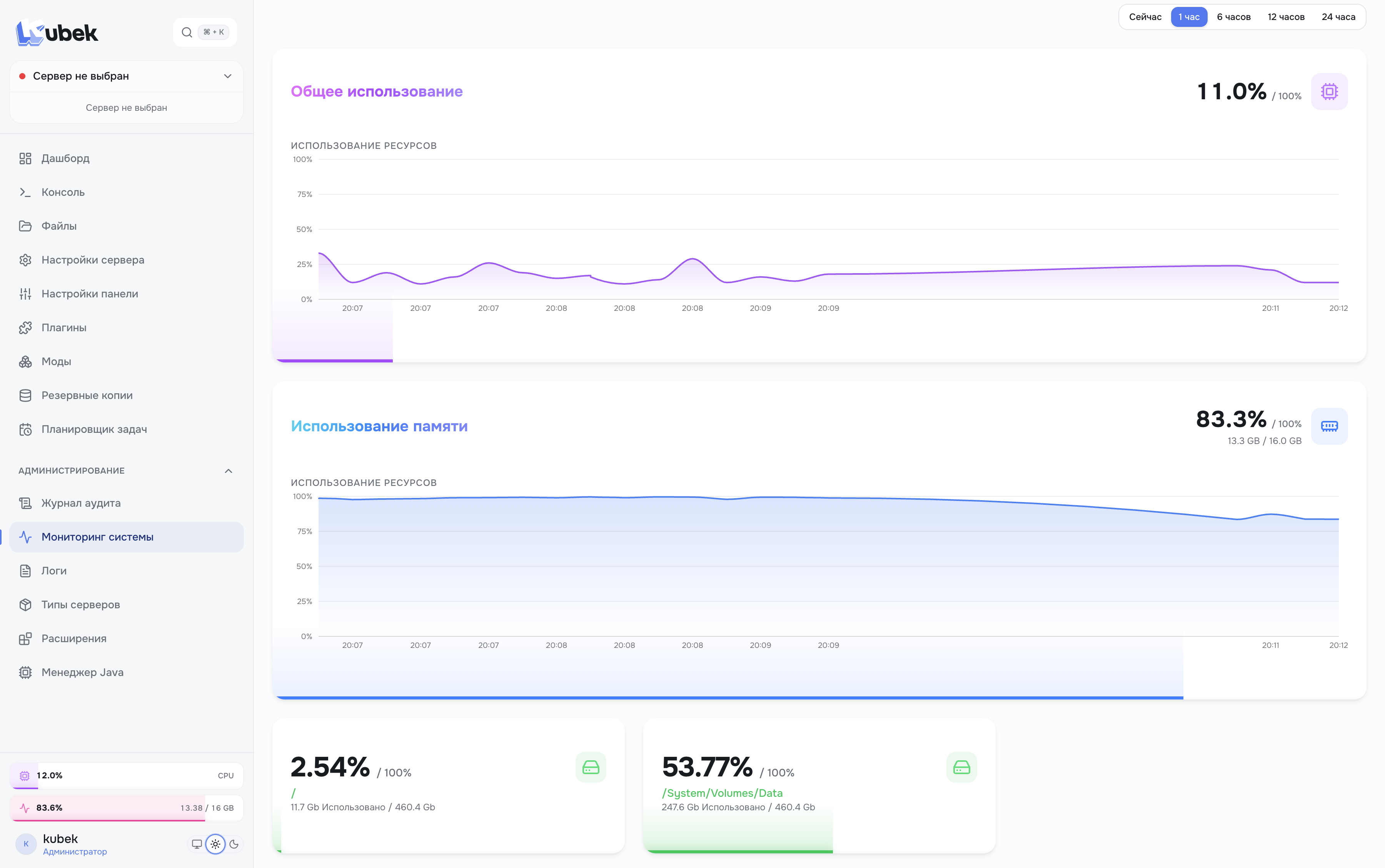
Real-time CPU, RAM and disk with history
Task Scheduler
Auto-start, restart, backups and webhooks by cron or interval — automate the routine
Plugins & Mods
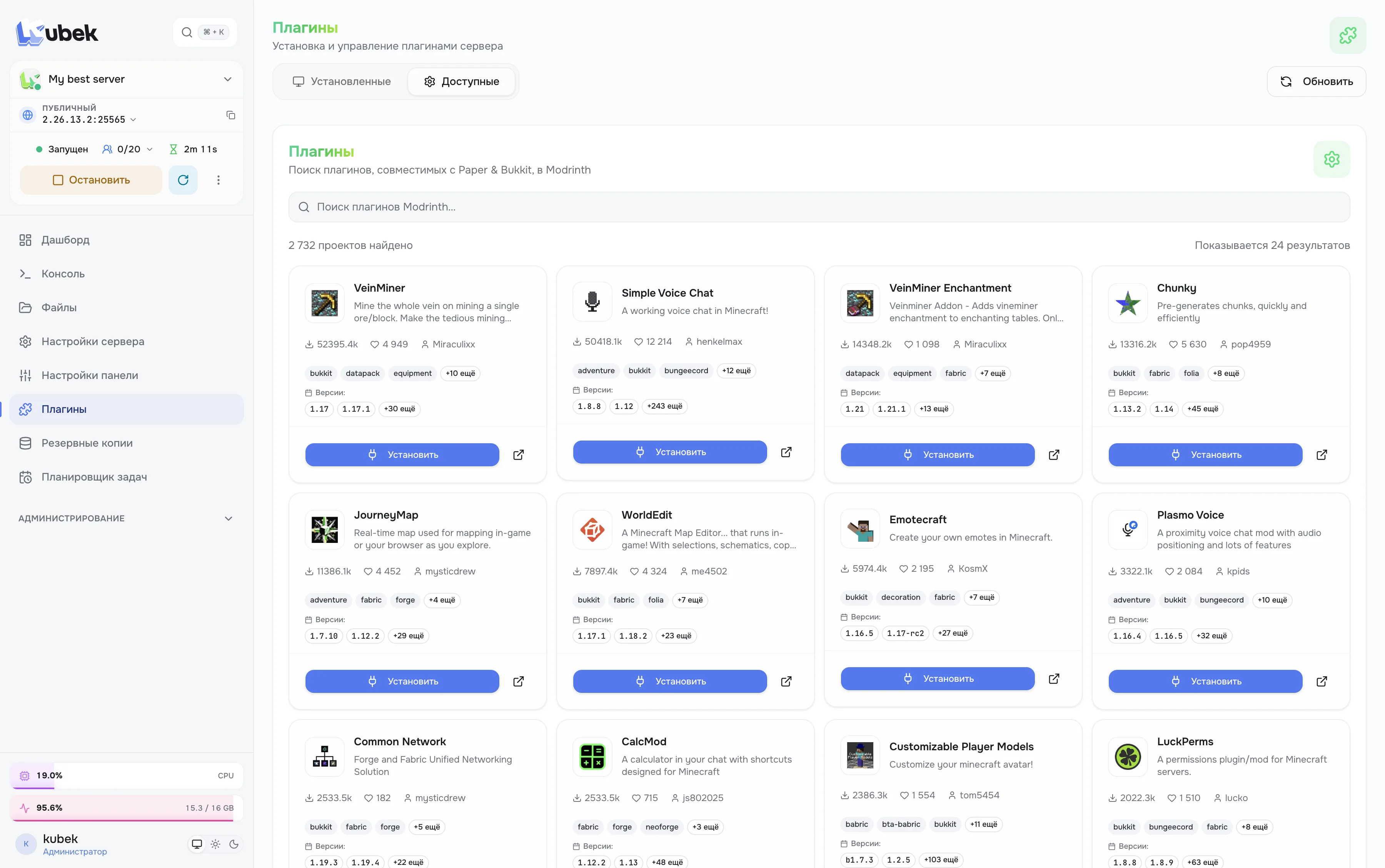
One-click install from the Modrinth catalog with automatic dependency loading
Backups
Backups in ZIP or TAR.GZ and one-click restore
Java Manager
The right Java version for each server
Users & Roles
Flexible permissions and server-level restrictions for the whole team
Two-Factor Authentication
2FA via app or Telegram bot
Audit Log
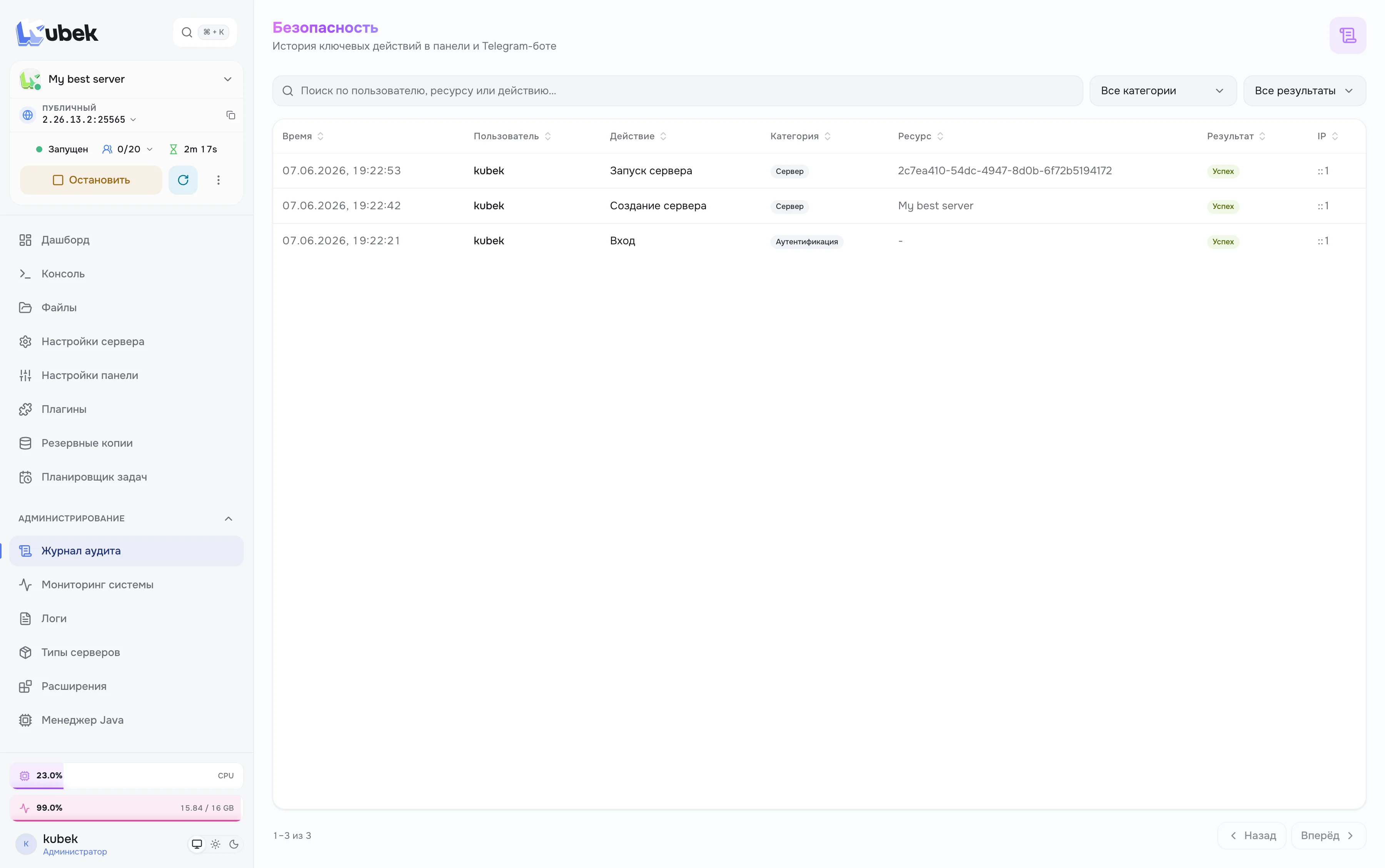
History of all actions in the panel and Telegram — full transparency for the team
Extend Kubek your way
Open architecture: add new games and features without forking or rebuilding the panel
Official server blueprints
Beautiful and functional
Minimalist design that doesn't distract from work
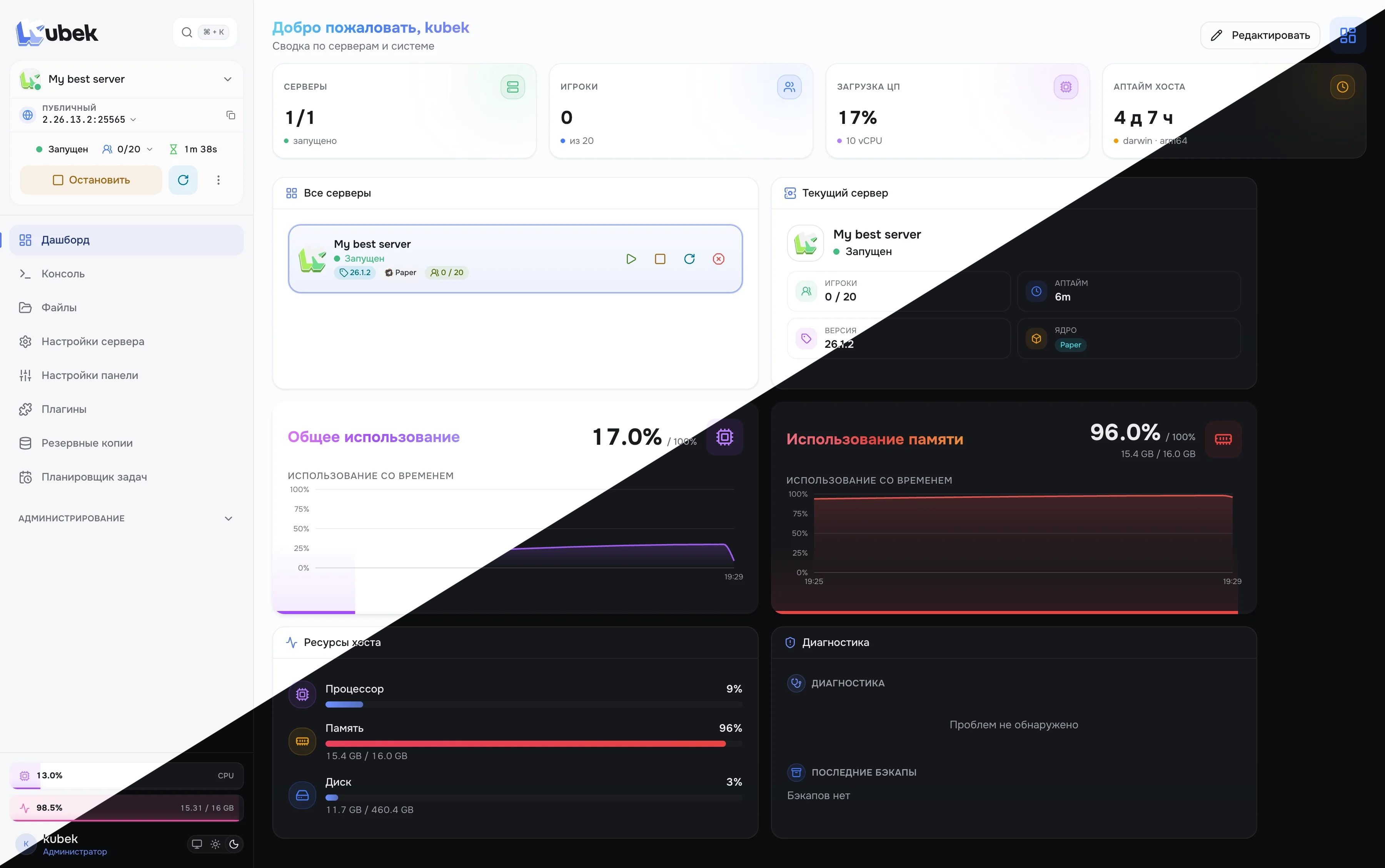
Dashboard
Servers and host overview: status, players, CPU and memory load on one screen
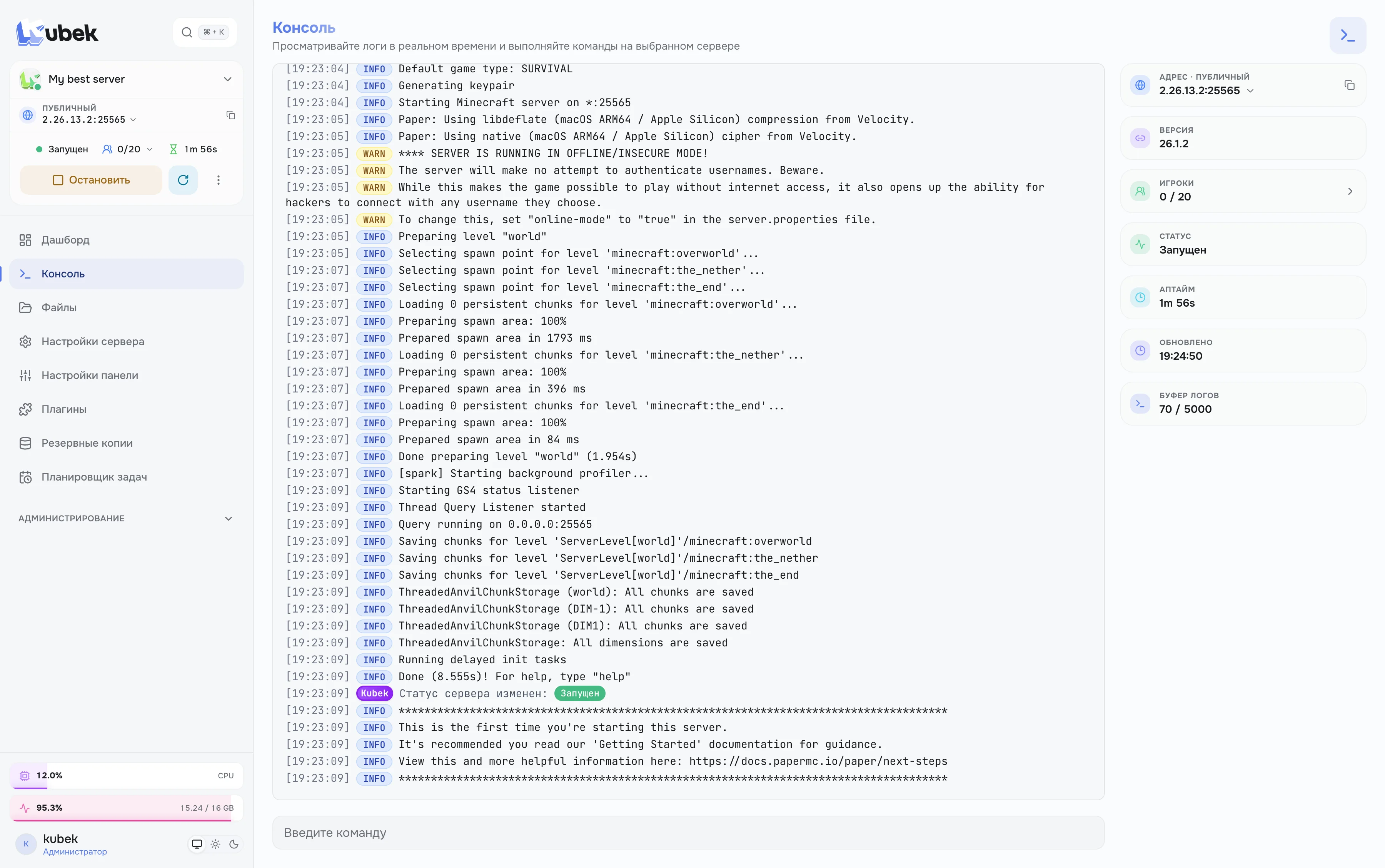
Server console
Real-time server logs and command execution straight from your browser
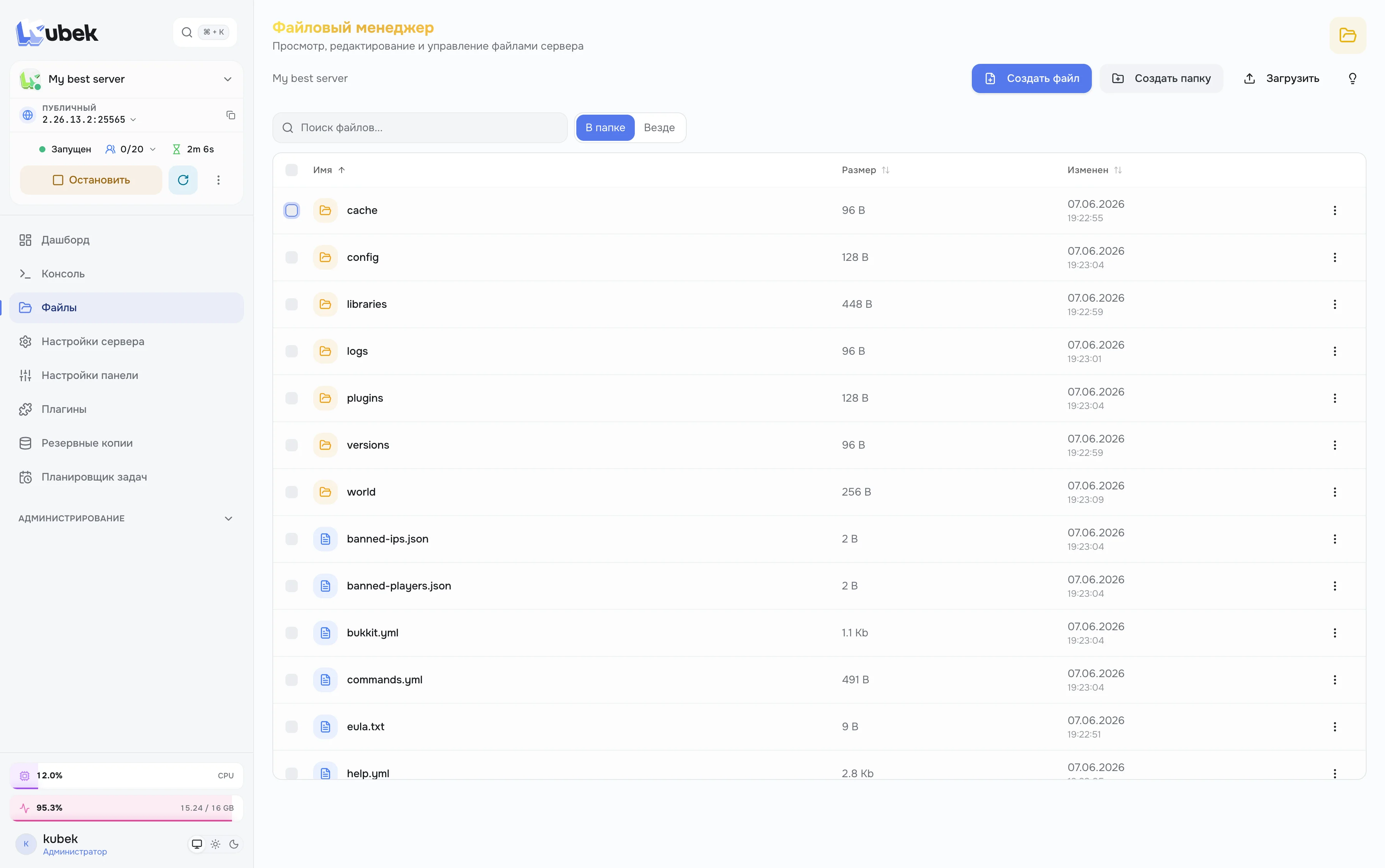
File manager
Browse, edit and upload server files with folder search
Plugin catalog
Search and install plugins and mods from Modrinth in one click
System monitoring
Host resources and performance overview in real time
Audit log
History of key actions in the panel and Telegram bot with filters
Users and access
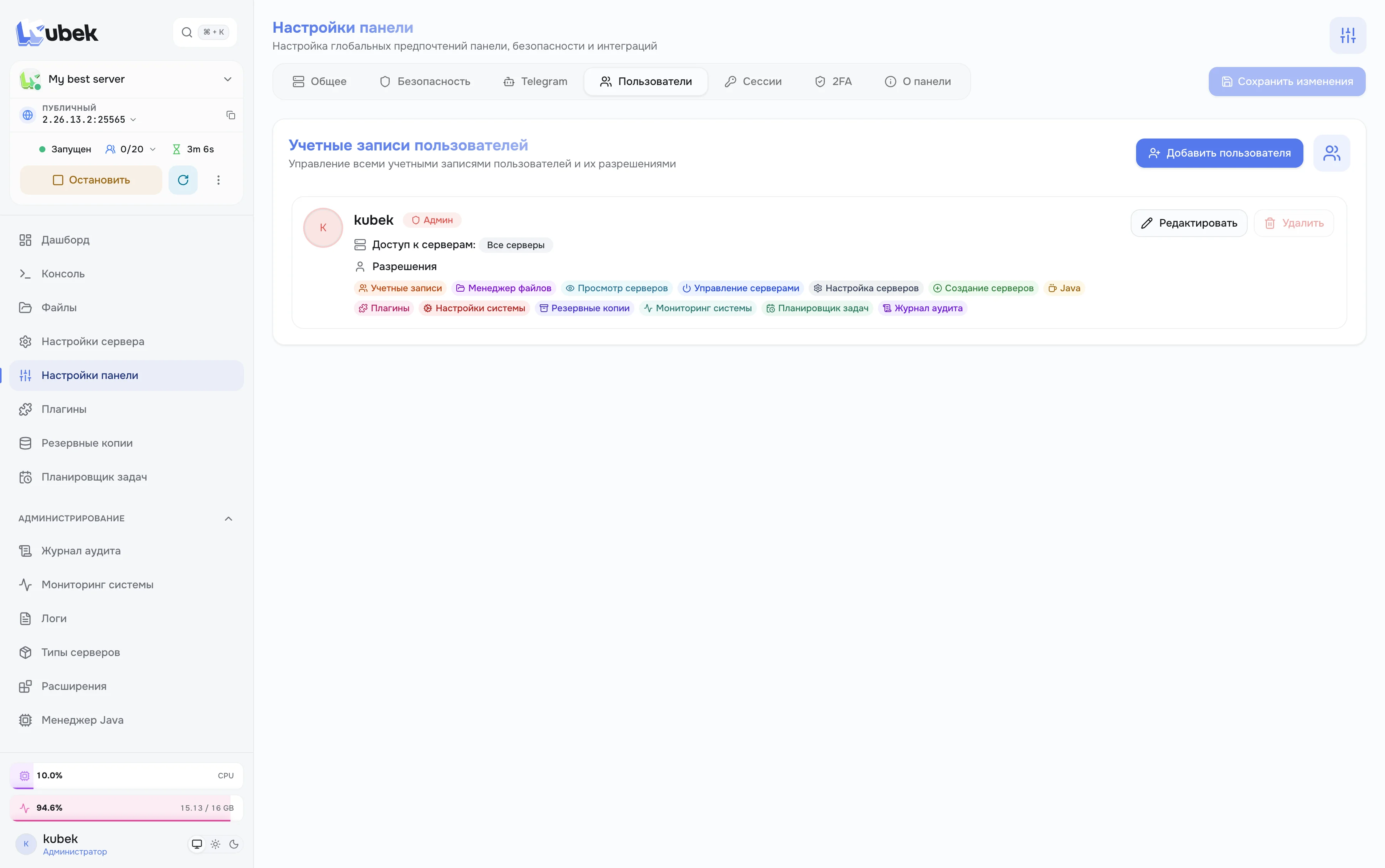
Flexible management of accounts and server access permissions