now in a new way
An open-source control panel for Minecraft servers. Full control in your hands
curl -fsSL https://raw.githubusercontent.com/Seeroy/kubek-minecraft-dashboard/refs/heads/main/install.sh | bashEverything for server management
Powerful functionality in a minimalist interface. No unnecessary clicks
AI Assistant
Reads the console, logs and configs, explains errors and helps manage servers. Asks before changing anything. Works with Ollama, LM Studio, OpenRouter and other OpenAI compatible services
Blueprints
Declarative server type blueprints: add any game without touching the code
Extensions
TypeScript plugins: your own UI sections, API routes and server event handlers
Telegram Bot
Server management and notifications in Telegram. Everyone sees only the servers they have access to
Velocity Networks
A wizard joins your servers into a Velocity network: forwarding mode and velocity.toml settings right in the panel
Dashboard
Customizable widgets: servers, host resources and load graphs
Server Console
Live logs and command input right from the browser
Players
Who is online, whitelist, operators and bans. Kick and op in one click
File Manager
Editor with syntax highlighting, archives and FTP
System Monitoring
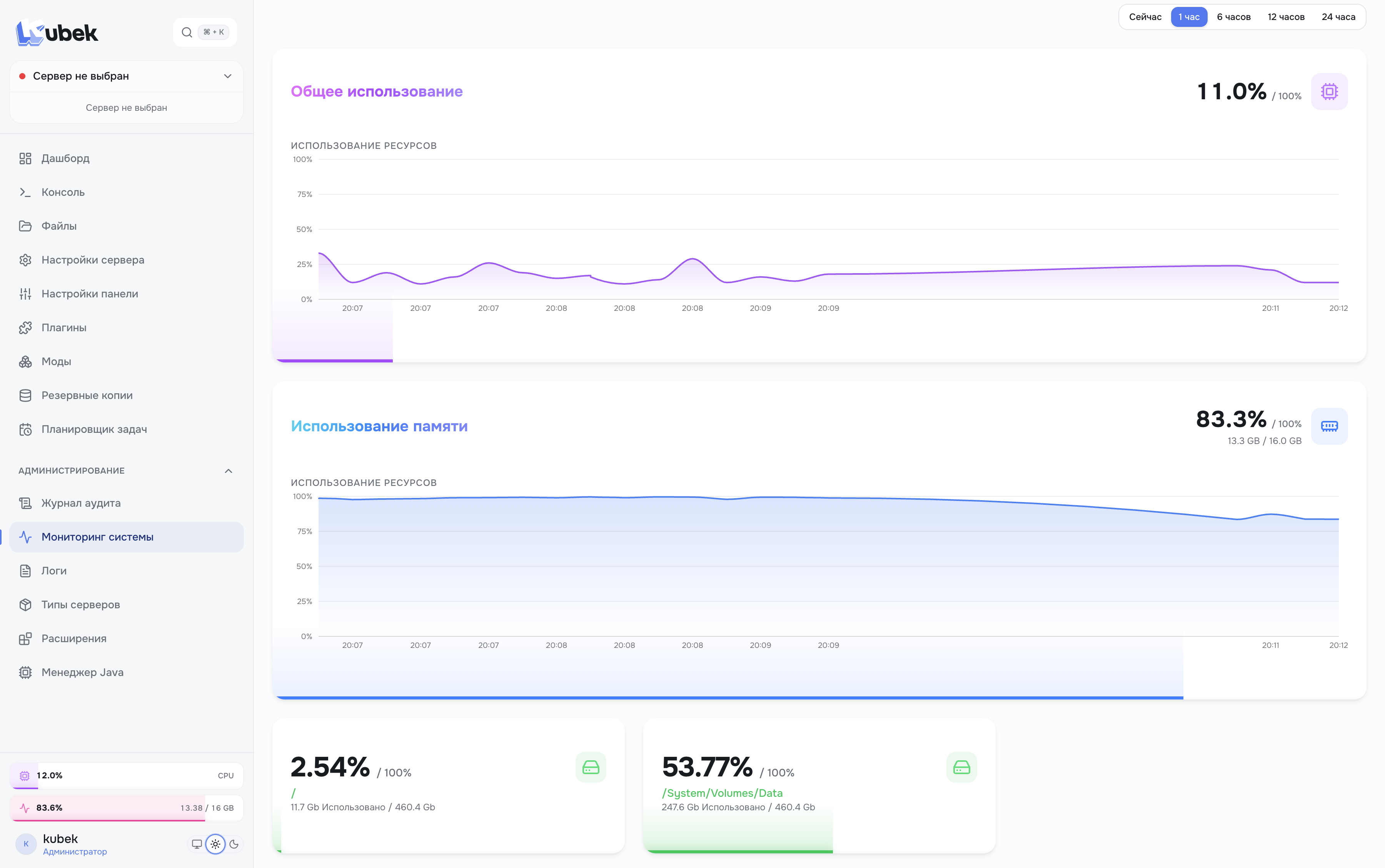
Real-time CPU, RAM and disk with history
Task Scheduler
Autostart, restart, backups and webhooks on cron or interval
Plugins & Mods
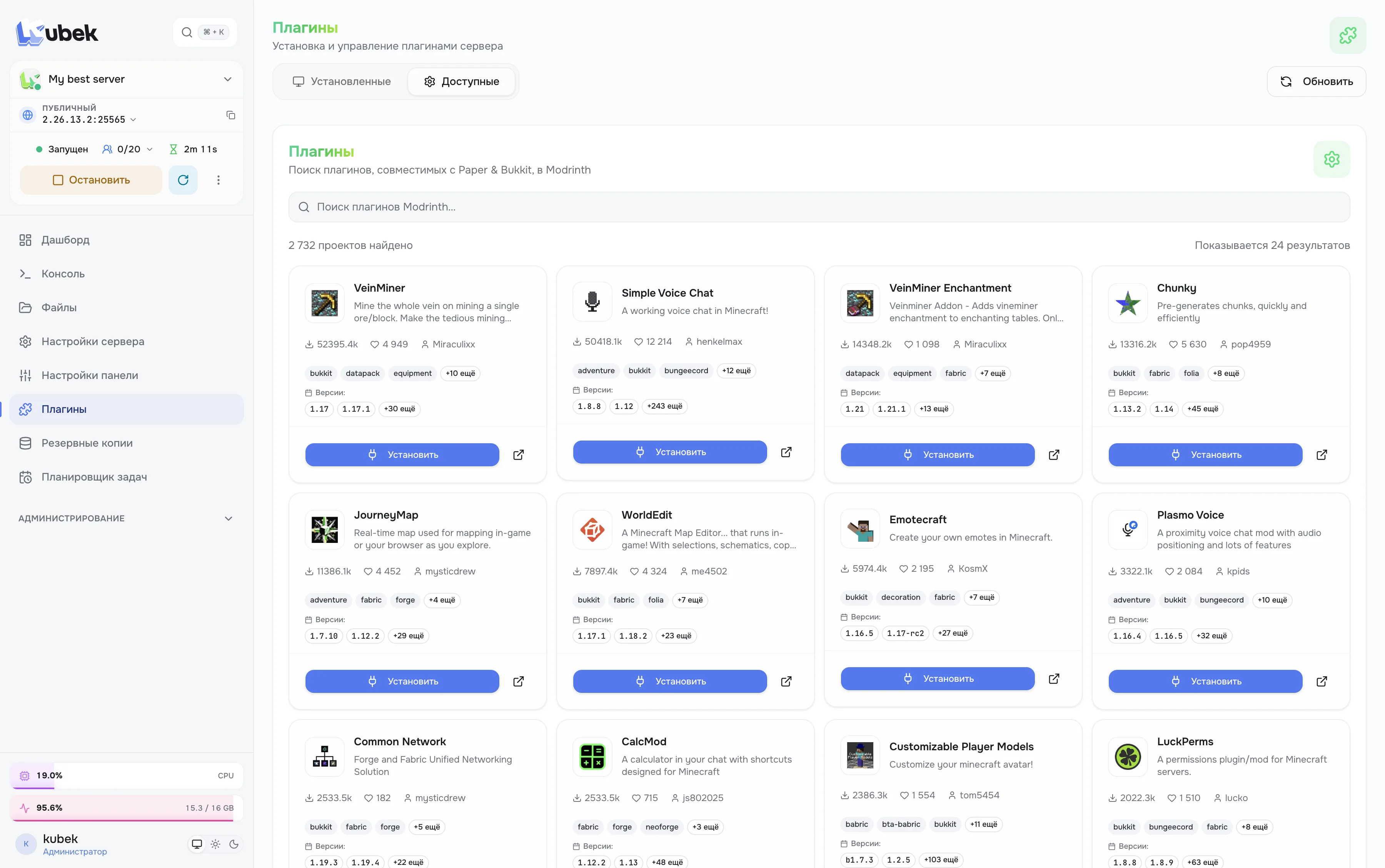
Modrinth catalog with dependencies, modpacks from Modrinth or .mrpack and drag and drop .jar upload
Backups
ZIP or TAR.GZ on disk or in S3, retention rules with a preview and checksum checks
Java Manager
The right version installs itself, your own Java builds can be added and picked per server
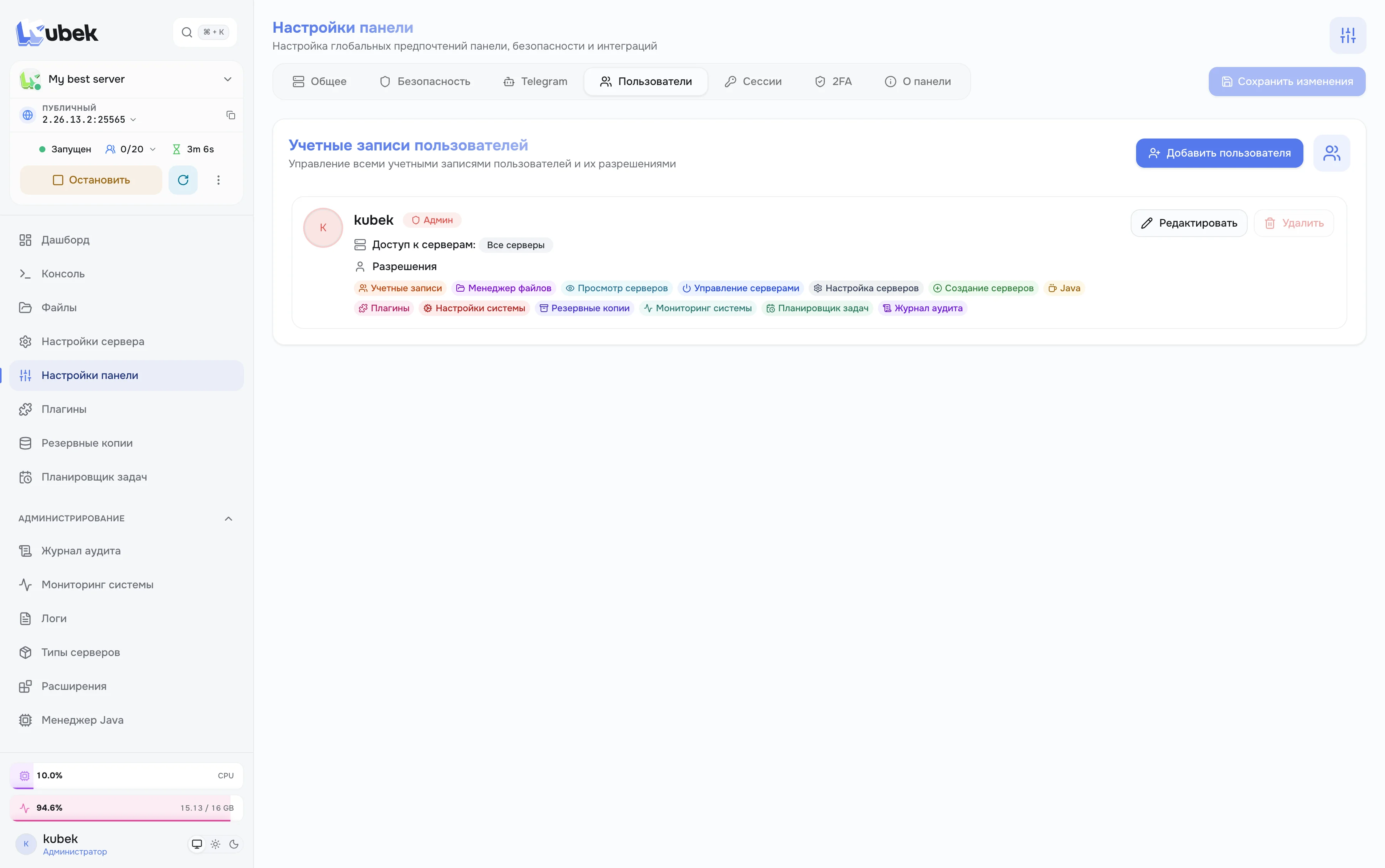
Users & Roles
View, change and manage levels for every area. Built-in Viewer, Moderator, Operator and Server admin roles or your own
Two-Factor Authentication
2FA via app or Telegram bot
Audit Log
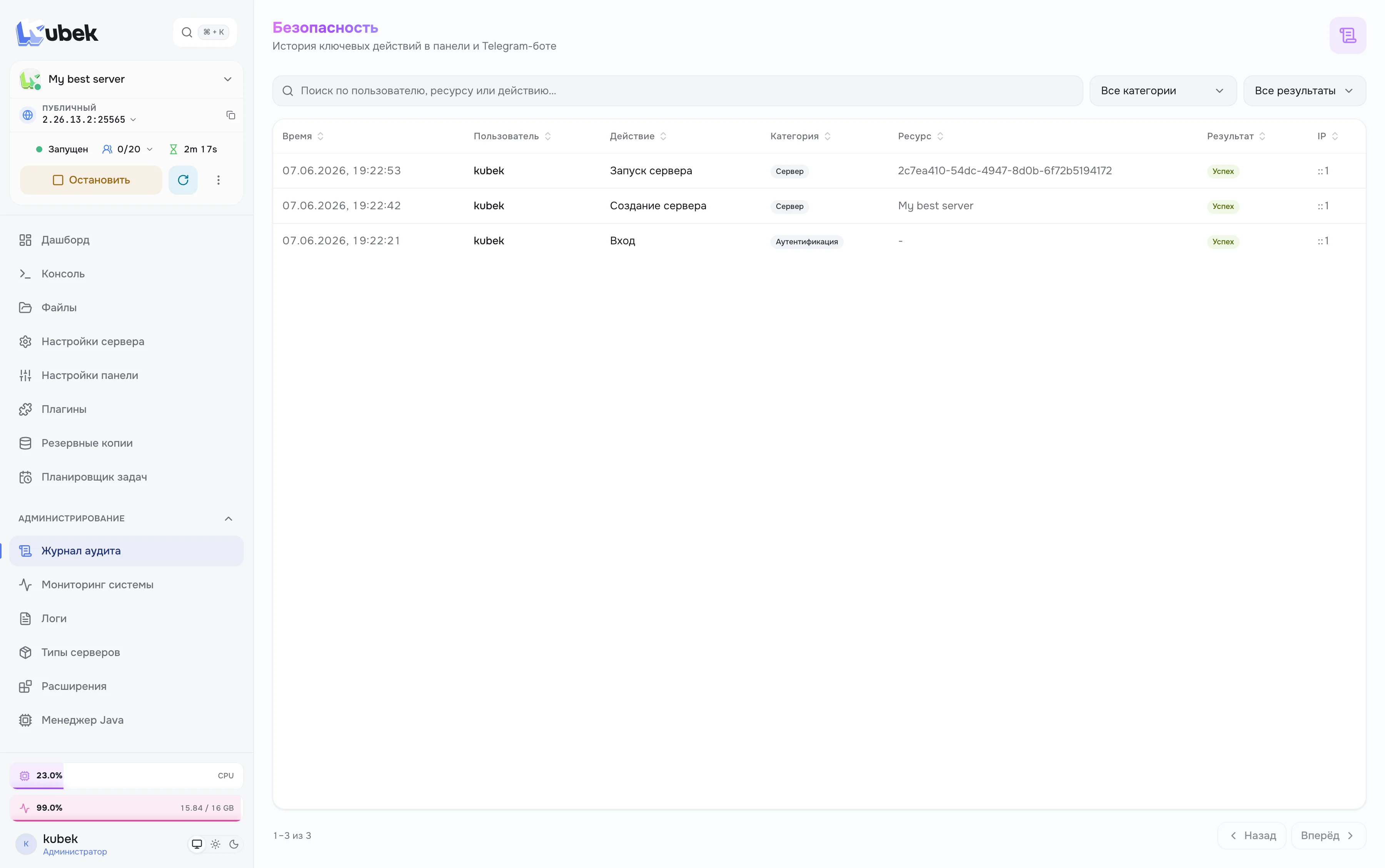
Every action in the panel and Telegram: who did it, on which server and what exactly changed
Notifications
Inbox in the panel and messages in Telegram. Choose what goes to the panel and what goes to the bot
Extend Kubek your way
Open architecture: add new games and features without forking or rebuilding the panel
Official server blueprints
Beautiful and functional
Minimalist design that doesn't distract from work
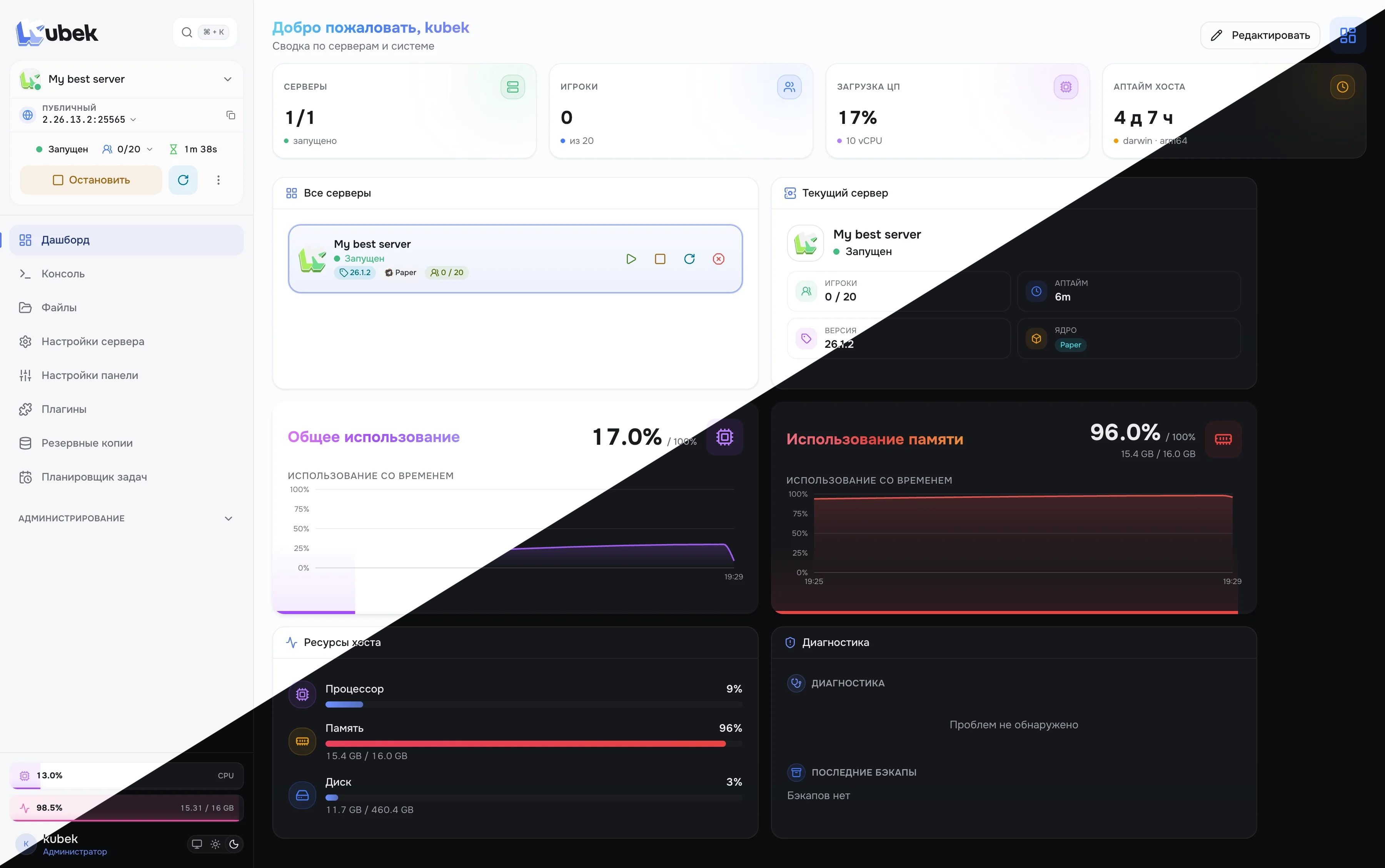
Dashboard
Servers, players, host load and recent events on one screen
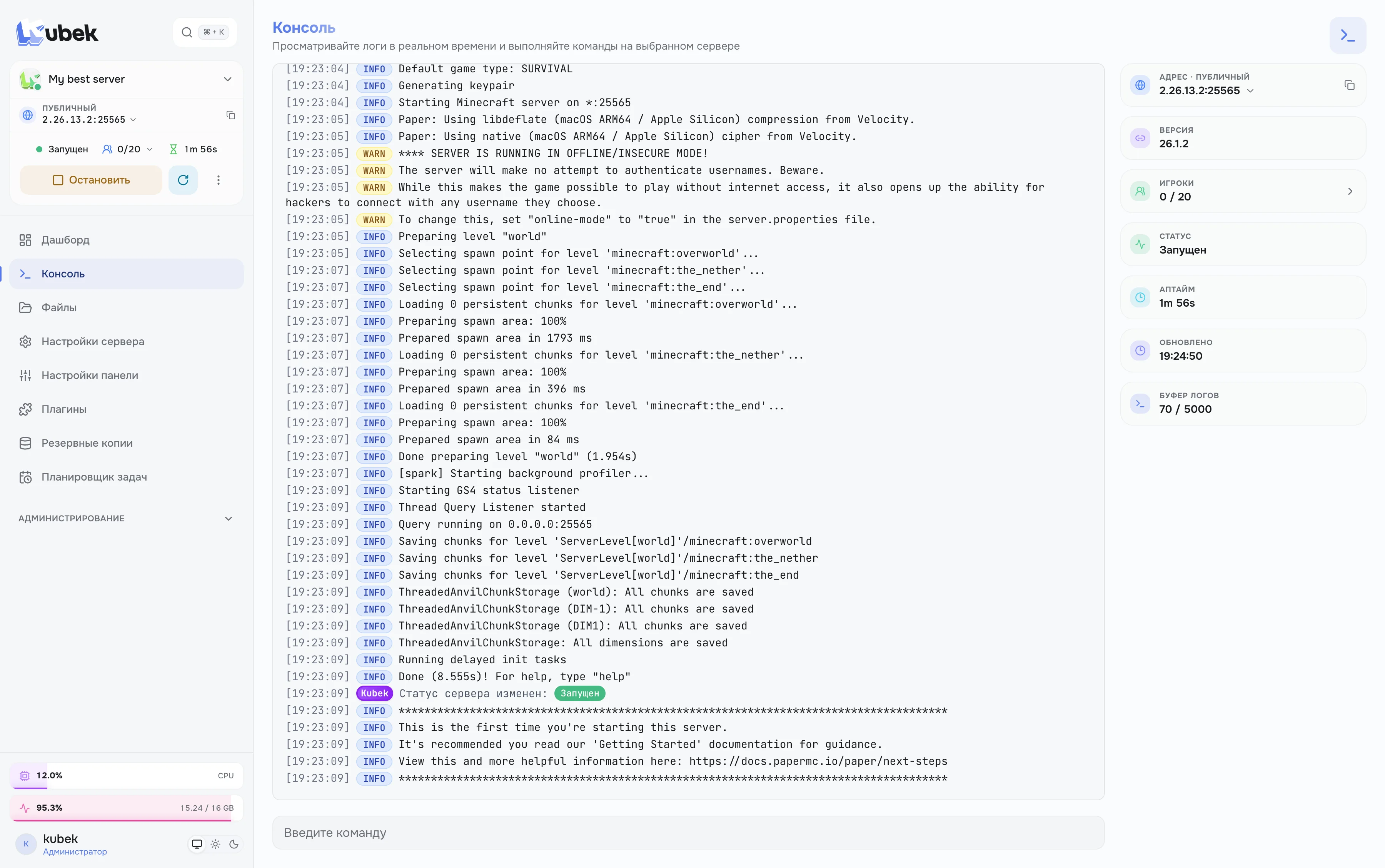
Server console
Real-time server logs and command execution straight from your browser
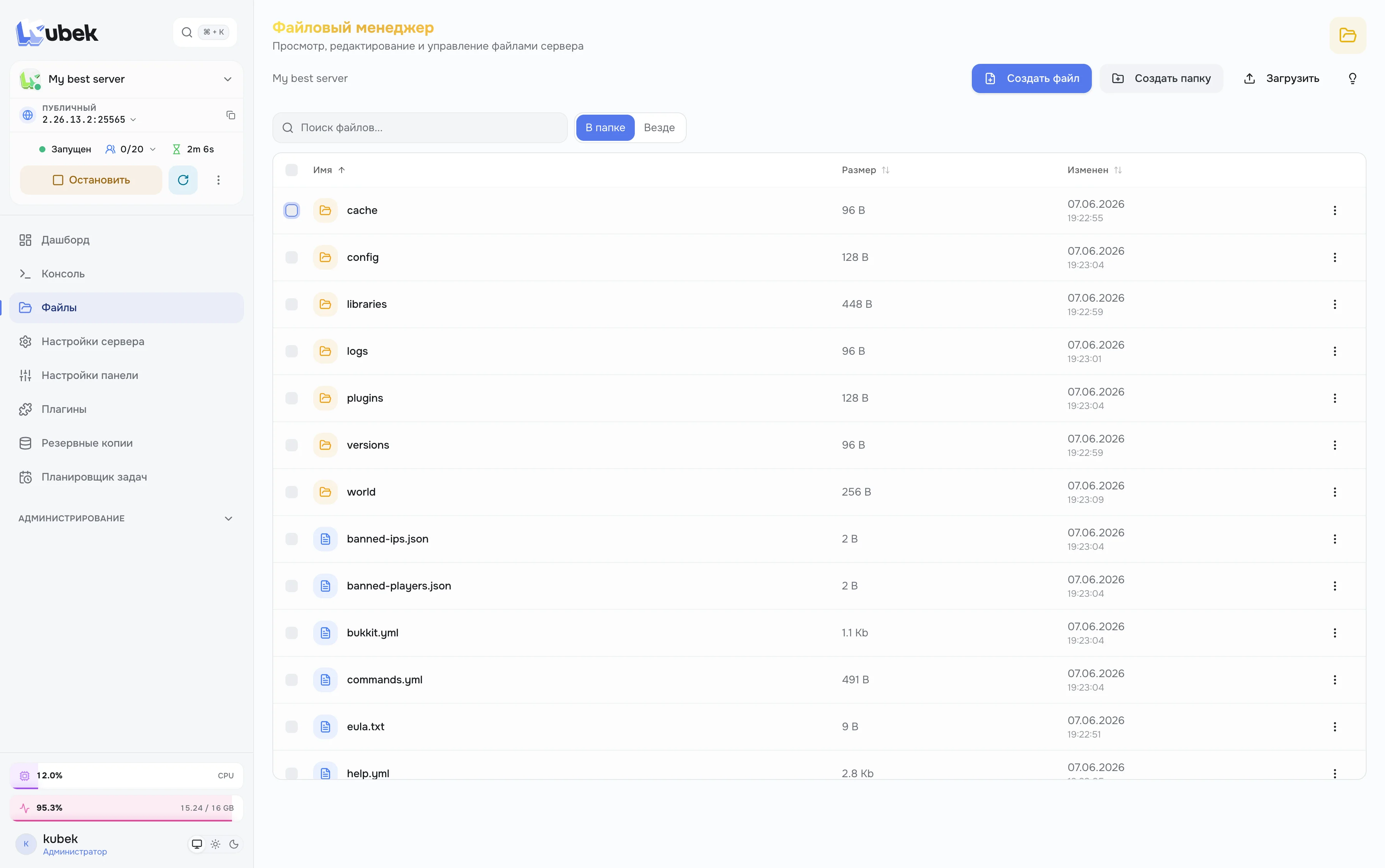
File manager
Browse, edit and upload server files with folder search
Plugins and mods
Installed mods with update badges. Update everything with one button
Backups
Backups on disk or in S3, operation log and retention rules
Task scheduler
Restart, backup, command or webhook on a schedule
Java manager
Installed Java versions and the servers that use them
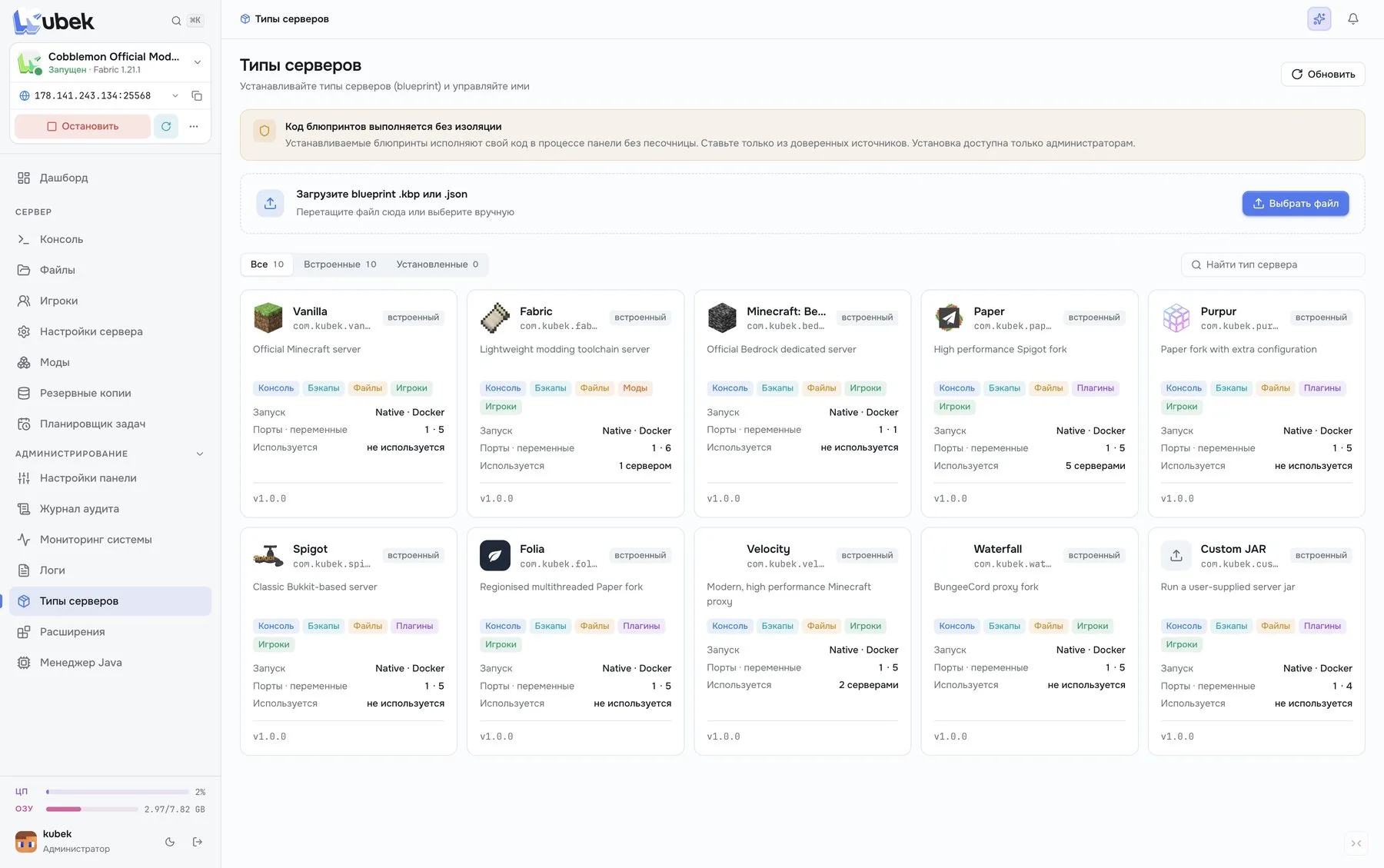
Server types
Built-in blueprints for Vanilla, Paper, Fabric, Velocity and more. A new type is installed by uploading a file
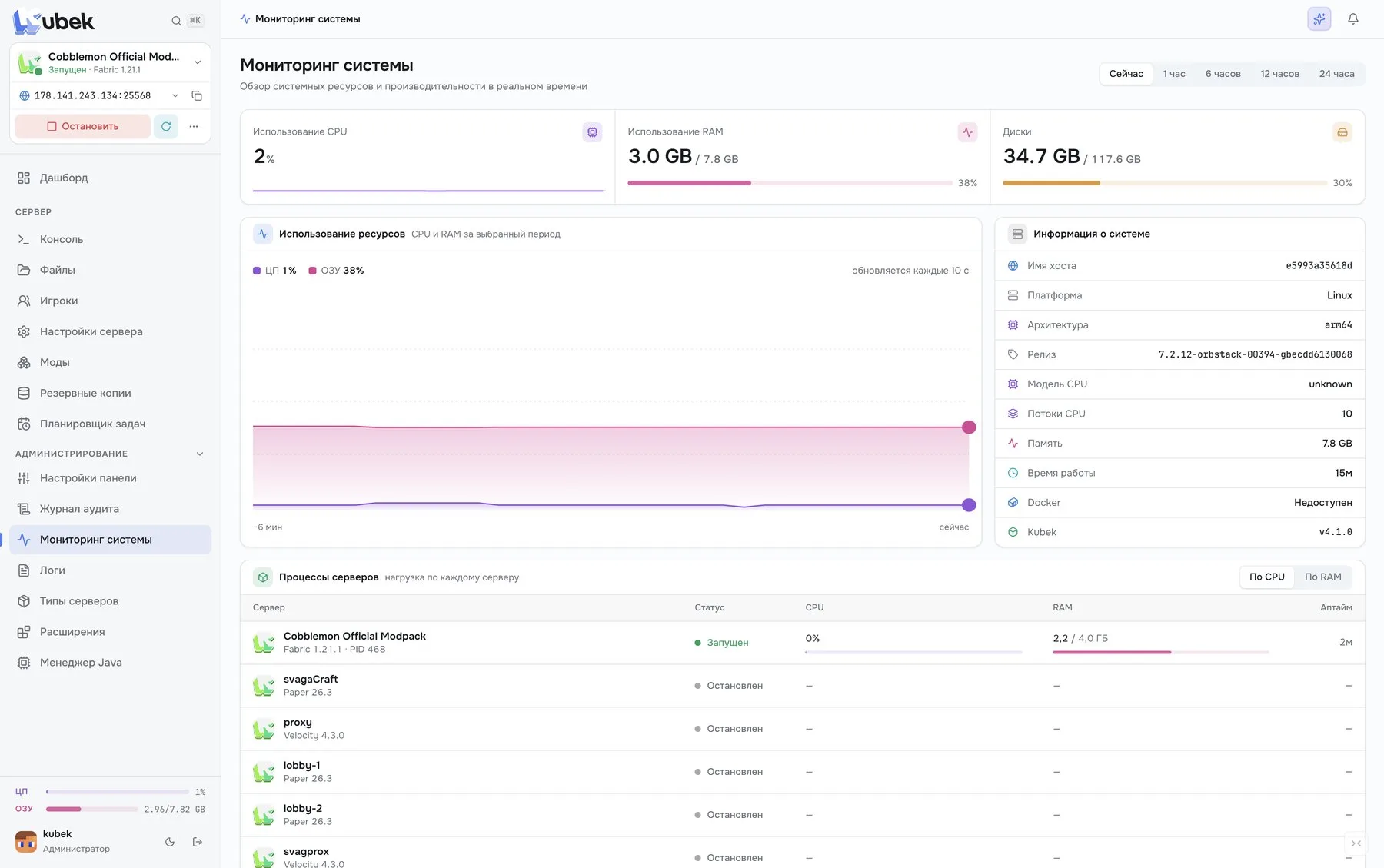
System monitoring
Host CPU, RAM and disk, system info and load from every server
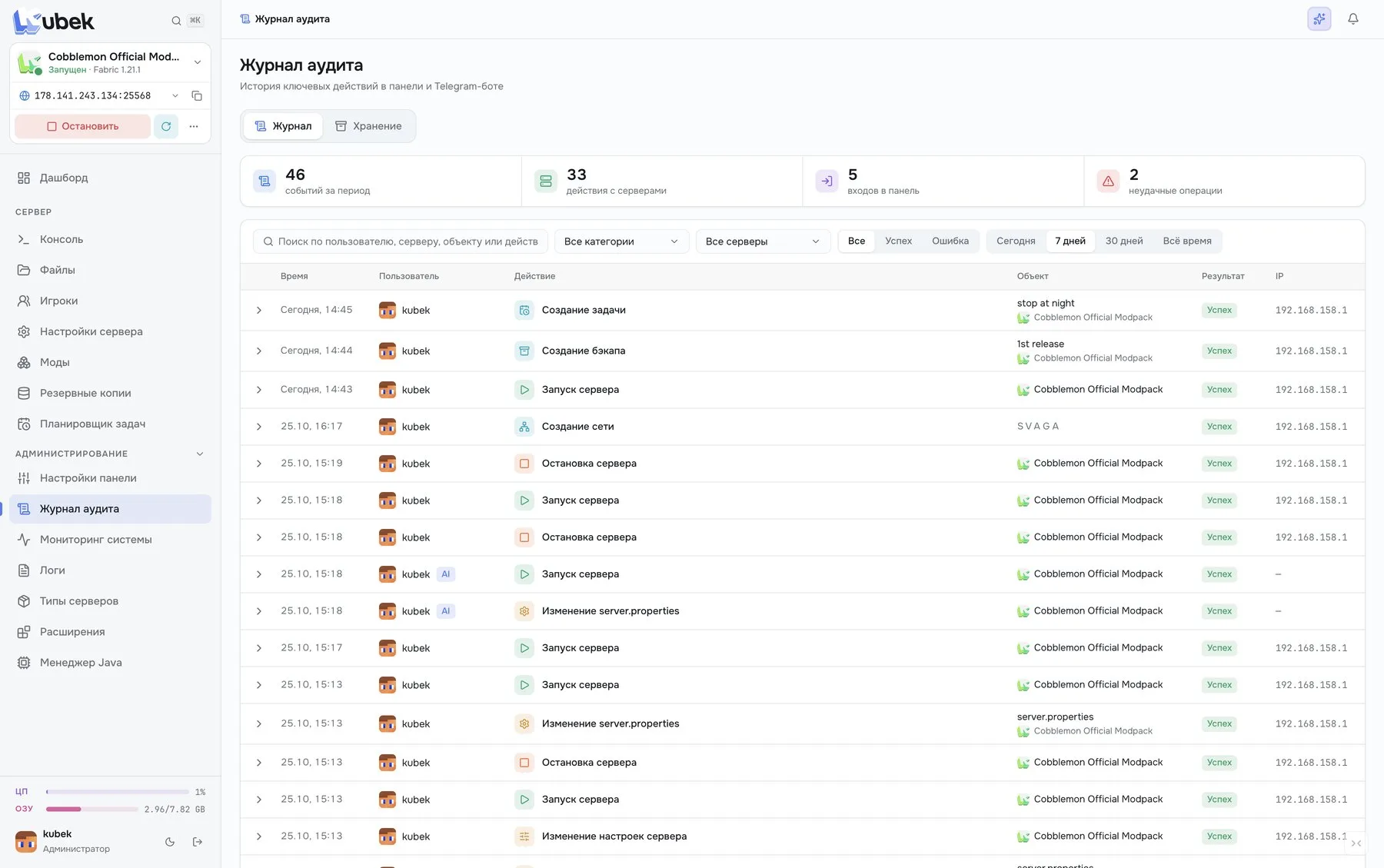
Audit log
Who did what, when and on which server. With filters and search
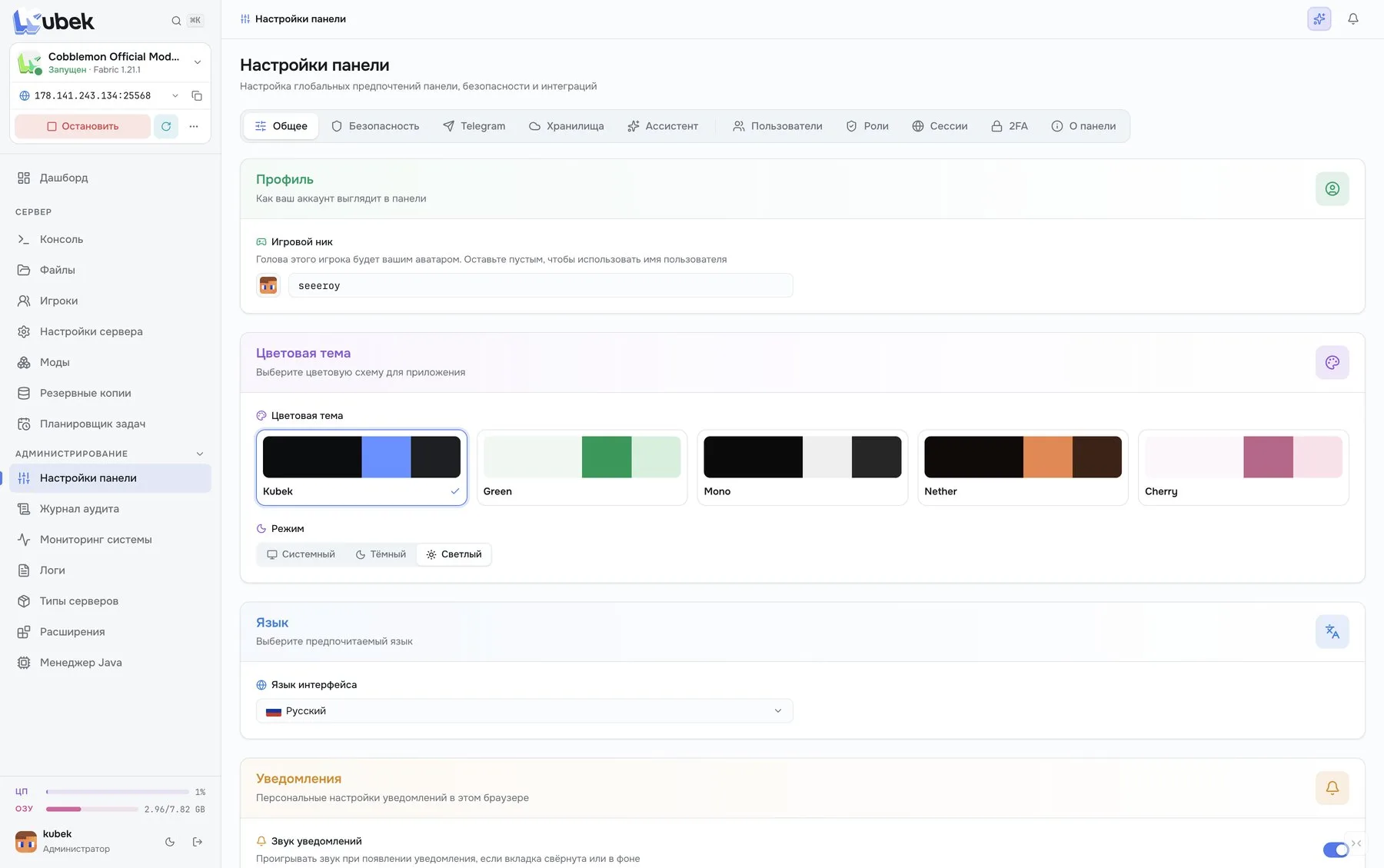
Themes and settings
Kubek, Green, Mono, Nether and Cherry themes, light and dark mode, language and notifications